
Why should I download the GoMixApp app?
The GMA app allows you to project your template on any screen without interruption so it is perfect for digital signage or digital surveys for example.
The app is available on the Android play store and Microsoft store for all users. It is also available on Apple’s app store for platinum plan users.
How to download the GoMixApp app
Android play store-
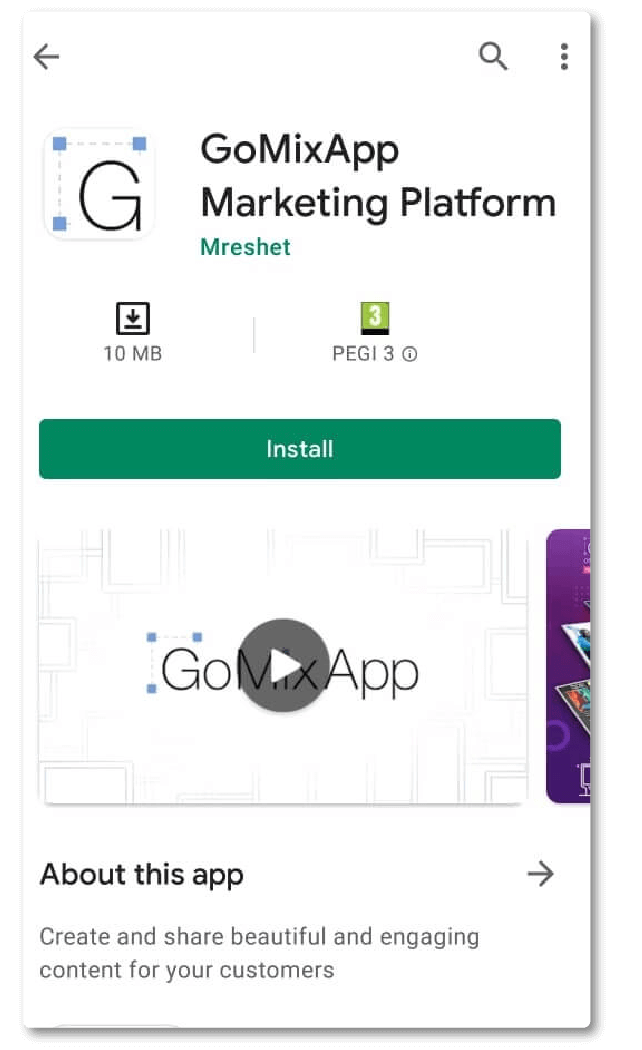 1. Search for ‘gomixapp’ in the search field and download it
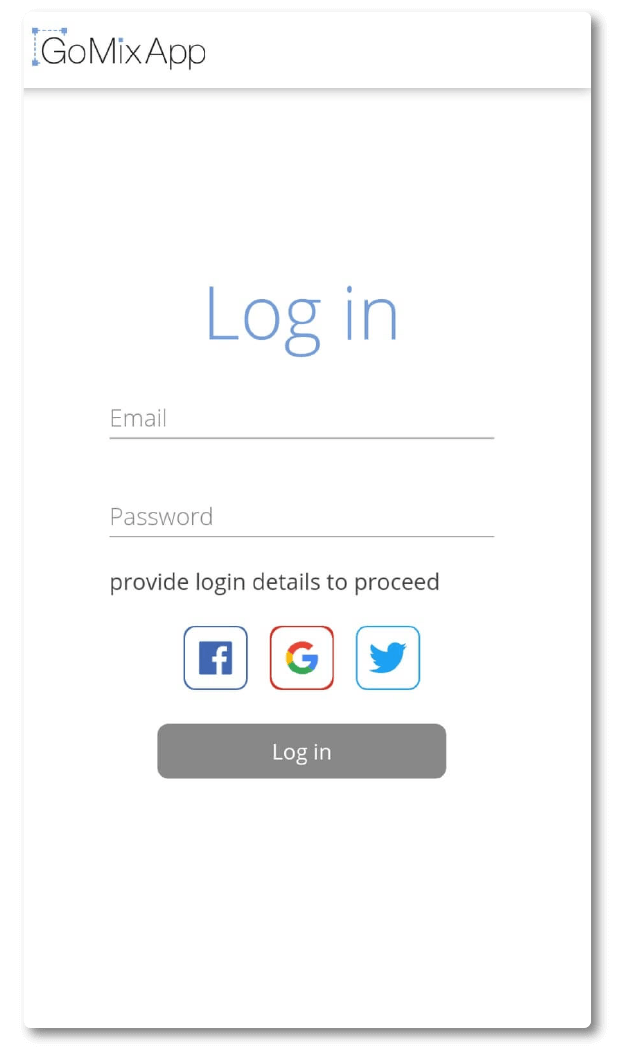 2. Open the app and log in to your account
3. That’s it! Your template is now displayed!
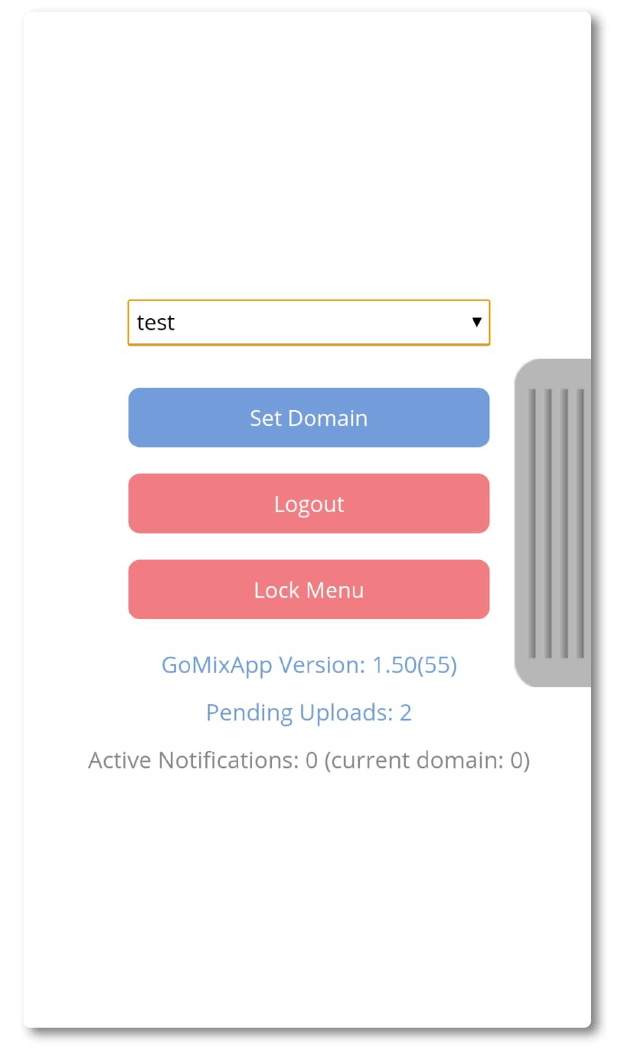
4. if you wish to change the domain being previewed, swipe the screen from left to right. Now choose your preferred domain and choose set domain.
*If you have locked the menu and wish to unlock it, just close the app altogether and re-open.
Link to Android play store download
Link to Microsoft store download
Explore our support section or go to the drag & drop online editor