
Our Expertise
Want to streamline your business’s digital processes?
Choose the type of digital tool and template that best fit your needs, customize it, or contact us for a professional design.
STEP 01

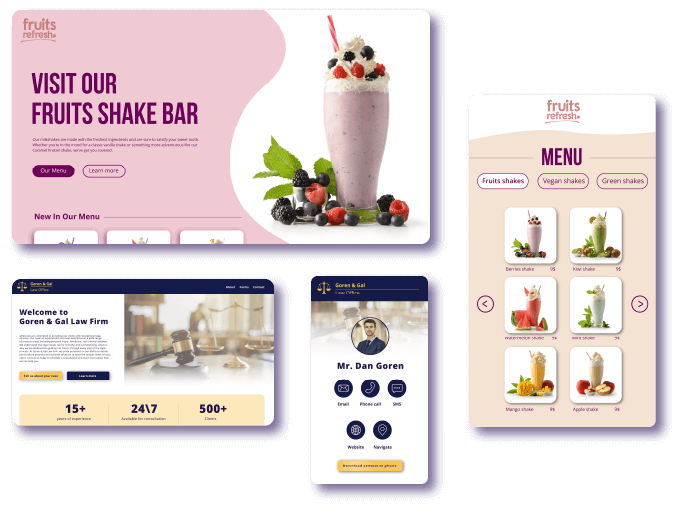
Choose a Template
Select a template from GoMixApp’s professionally designed collection and make the adjustments you need.
Need design assistance? Contact us — our studio will be happy to help you through the process.
Branded and beautifully designed digital tools with a simple, user-friendly interface are an essential part of every business’s success.
A strong visual design conveys professionalism and trust, directly enhancing the user experience.
An intuitive, well-designed interface makes it easier for customers to take action, increases engagement, and drives higher sales and satisfaction.
A unique and original design sets your business apart from the competition and helps build a loyal customer base.
STEP 02
Edit Your Chosen Template
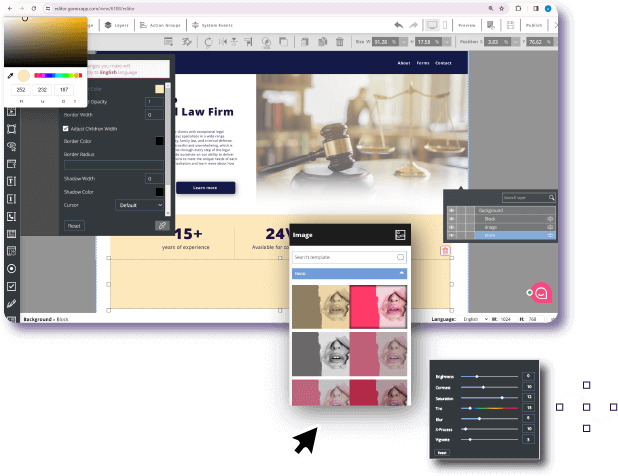
Customize the Template to Fit Your Business Design
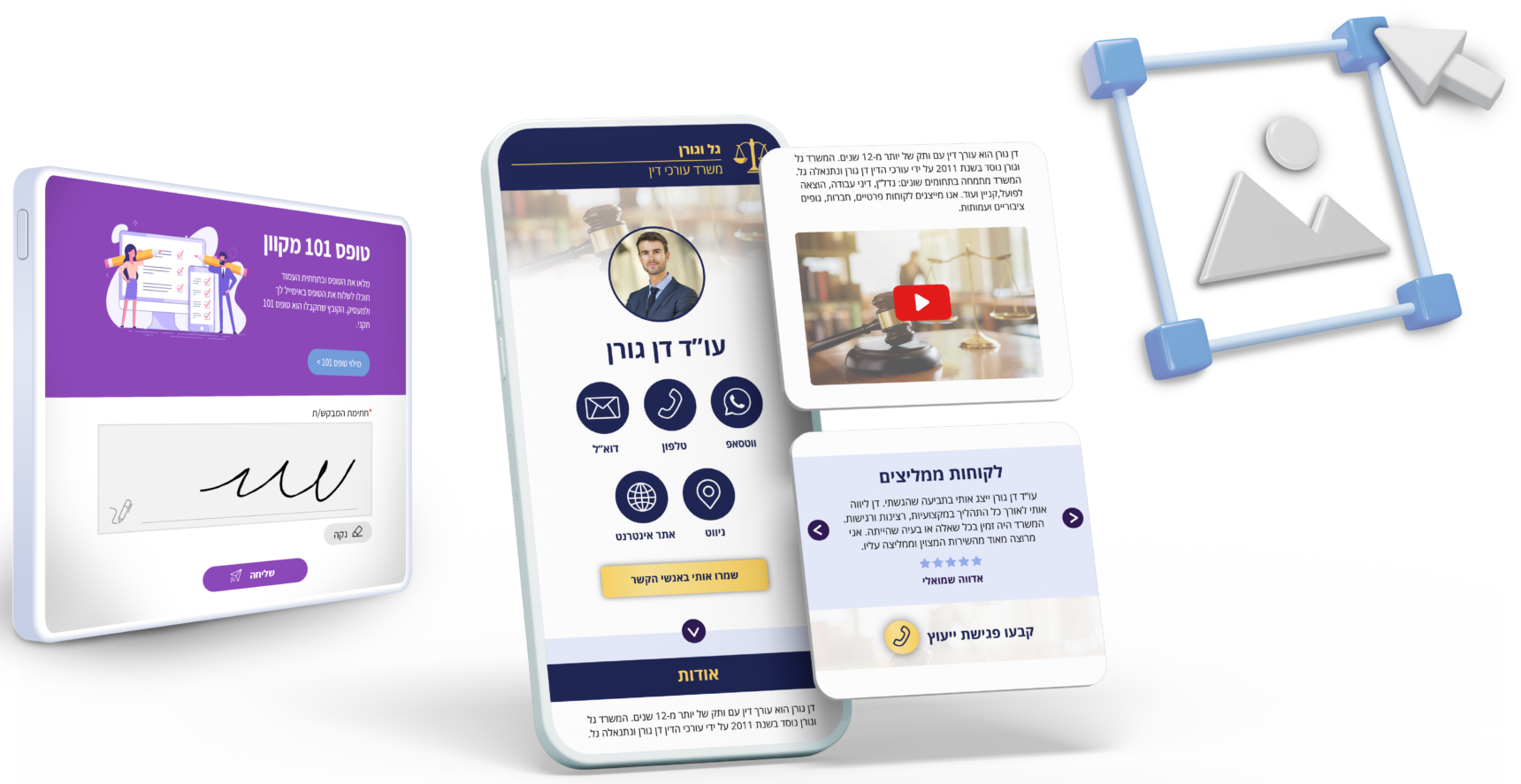
Our Drag & Drop editor lets users easily customize their chosen digital solution’s design template in a simple, intuitive way.
By dragging and dropping elements, they can adjust layouts, add visuals, and make design changes — no technical skills needed.
The editor provides full flexibility to create personalized interfaces tailored to each client’s needs, enhancing user experience and boosting digital success.
STEP 03
Use on Any Platform
No matter how you choose to use your designed digital solution, we’ve got you covered on every operating system!
GoMixApp’s digital solutions are available for use in browsers as well as on Android, iOS, and Windows devices.
While the browser version works online only (with an internet connection), the versions for mobile devices, tablets, and computers can also be used offline.
Offline mode is ideal for interactive stands, digital displays, and digital signage — ensuring smooth operation even without an internet connection.
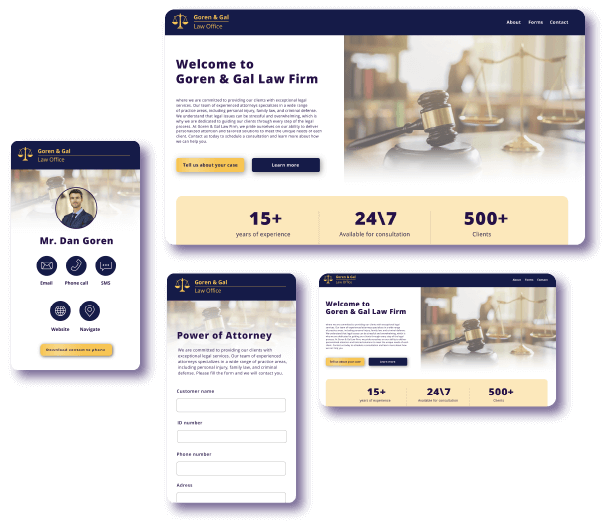
Among Our Clients









Client Testimonials
אריאנה נגר
Administrative Manager
Service:
Product:
Overall:
“Reliability, service, kindness, professionalism, understanding. One of the best I’ve ever met.”
ענבר שמואלי
Business Owner
Service:
Product:
Overall:
“Personal and professional service, quick response, excellent product — very satisfied.”
Erez Gefen
Business Manager
Service:
Product:
Overall
The power to find a digital solution quickly and all in one place is now at your fingertips.
Digital solutions for businesses that enhance user experience and improve productivity.
With an advanced Drag & Drop editor, users can easily adjust design and functionality – no technical or coding skills required.
Offline use on Android, iOS, and Windows enables smooth work even without internet, making the platform ideal for meetings, conferences, and exhibitions.
Browser access ensures quick availability anytime, anywhere, while custom interfaces enhance user experience and deliver better results.
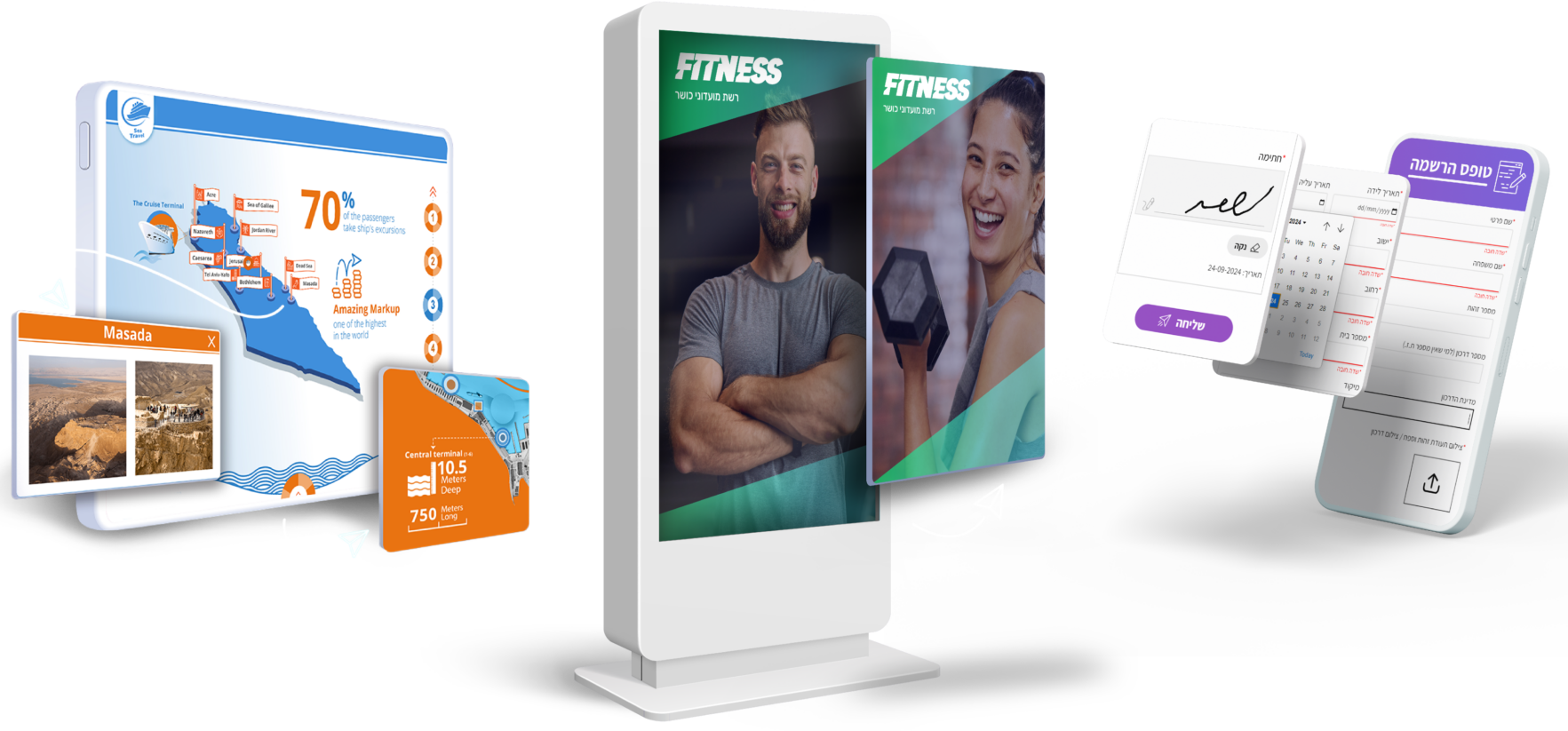
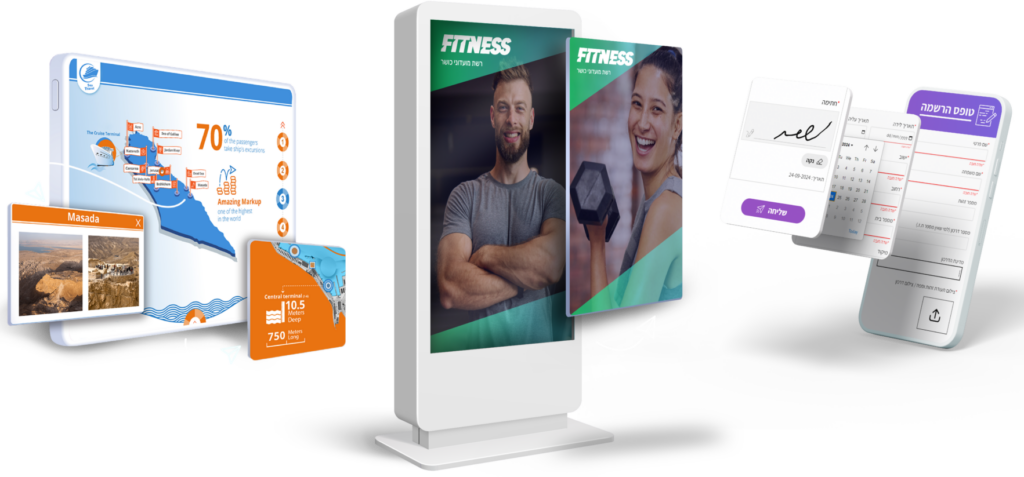
GoMixApp offers a wide range of templates, including digital signage, interactive stations, sales presentations, digital forms, landing pages, and apps for conferences and exhibitions – helping businesses find the right solution for every need.
A variety of functional components can be added to each template, allowing users to build rich and flexible digital tools for almost any business goal.
Full Google Analytics integration enables online and offline tracking with custom dashboards for data insights and smarter decisions.

השלבים ליצירת פתרון דיגיטלי אפקטיבי לעסק שלך ב GoMixApp
Identify the Need
Start by defining your business’s specific need for a digital solution. Determine which challenge or goal you want to address to help your business grow.
2. Choose a Template
After identifying your need, select from a variety of available templates that match your business goals — such as digital signage, interactive stations, sales presentations, digital forms, landing pages, and apps for conferences and exhibitions.
Personalize Your Solution
Using our Drag & Drop editor, you can easily customize your chosen template’s design. Add and move elements, adjust page layouts, and include visual content — all without any technical knowledge.
You can also integrate functional components like forms, buttons, image galleries, videos, and interactive maps to enrich your digital solution and increase user engagement.
If you need professional design assistance, our studio team will be happy to help.
Preview and Test
Before publishing, preview and test your digital solution to ensure everything works smoothly and without errors.
Select a Platform and Distribute
Choose the operating system for your solution — Android, Windows, iOS, or browser.
For browser-based solutions, simply share the public link.
For app-based solutions, invite users through the admin panel by adding their names and emails to grant them access.
Build a Statistics Dashboard
After distribution, create a custom analytics dashboard to monitor your digital solution’s performance.
Track user data such as activity, location, behavior, and ROI.
The dashboard helps identify improvement areas and optimize effectiveness.
Maintenance and Updates
Once published, you can update your digital solution anytime to match market changes or new business requirements.
Updates are simple with GoMixApp’s Drag & Drop content editor, allowing quick, seamless changes — no coding required.
Latest Blog Articles
GoMixApp
GoMixApp – All digital solutions for businesses in one place